
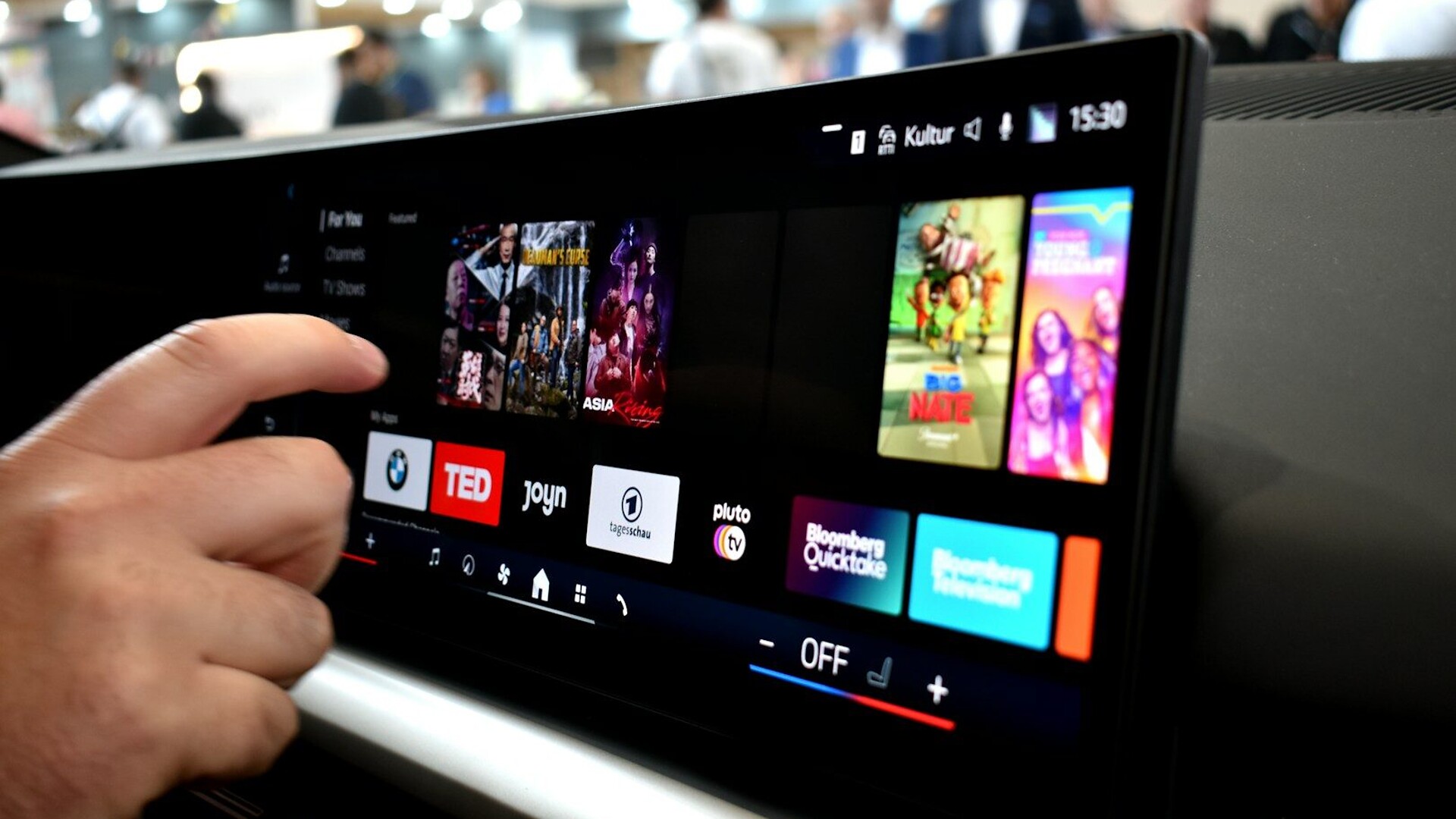
Carmakers spent a decade insisting that a slab of glass works just as well as a fan knob. A pair of University of Washington papers, produced with researchers and partial funding from Toyota Research Institute, puts numbers on why that argument keeps losing. They also show why the industry’s favorite fix, fatter buttons, misses the real bottleneck.
How they tested it
The first paper was presented September 30, 2025, at the ACM Symposium on User Interface Software and Technology, per the UW announcement. According to the paper itself, drivers ran the open-source CARLA simulator through a Fanatec direct-drive wheel and pedals, with a 12.4-inch Samsung tablet mounted to their right. They tapped targets arranged in a ring, a standard pointing test rather than a real infotainment menu. Some runs added a spoken memory game meant to mimic the mental load of traffic or conversation.
Reading the headline numbers correctly
The 41.9% lane-drift figure needs context. Average distance from the centerline went from 0.355 meters without the screen to 0.406 meters with it, about two inches. The 41.9% figure matches the growth in the spread of lane position, from 0.086 to 0.122 meters. In plain terms, the car didn’t wander across lanes. It got less predictable inside one. In a simulator with no other traffic, that’s a warning sign, not a crash.
Related Articles
- Montgomery County’s $5,000 Takeover Fine Is Aimed at the Crowd. The Tow Truck Is Aimed at the Car
- Colton Police Recover 350 Boxes of Hot Wheels, Worth $54,000, After 3 A.M. Call About Trains Being Robbed
The 58% figure is pointing throughput, a combined speed-and-accuracy score. It fell from 5.78 bits per second to 2.42 while driving, and average time per tap roughly doubled, from 564 to 1,140 milliseconds. One caveat: the parked baseline came from a separate group of eight people.
Why bigger buttons didn’t save anyone
Target widths ranged only from 6.9 to 10.3 millimeters, and the paper’s key finding is about the driver, not the button. While driving, tap time stopped responding to target difficulty at all. Drivers launched their hand before their eyes reached the screen in 62.9% of taps, rising to 71.9% under heavier memory load. The hand arrives first, hovers, and waits for the eyes to catch up.
UW doctoral student Xiyuan Alan Shen put it bluntly: “the thing that takes time is the visual search.”
The team’s follow-up study, presented at CHI 2026, found bigger buttons did speed selections by about 0.3 seconds. The catch is that bigger buttons mean fewer per page. In one layout, needing a second page added 1.05 seconds under low load and 1.30 seconds under high load. So size helps right up until it costs you a swipe.
The glance trap
Without the memory task, 16% of off-road glances in the first study ran longer than two seconds. That’s the line NHTSA’s 2013 distraction guidelines draw. Those guidelines cap single glances at two seconds and total eyes-off-road time at 12 seconds per task, but they’re voluntary and nonbinding.
Under heavy mental load, glances shrank from 1,207 to 889 milliseconds. That sounds like good news, and the authors warn against treating it that way. Drivers simply completed fewer taps per glance, so tasks dragged on longer.
The catch: 16 drivers, no traffic
This is a small study: 16 drivers with a mean age of 25.8, in a simulator with no other cars or pedestrians, and lane data only from straight sections. The tapping task was abstract, and the work was partly funded by Toyota, which ships touchscreens of its own. Treat the percentages as directional, not gospel.
Related Articles
- City in Georgia Is Losing Its Entire Full-Time Police Force, and the Mayor Has “No Comment” on the Chief’s Truck Tracker
- Fairfax’s Flock Camera Showdown: What Drivers Need to Know
Europe isn’t waiting for more data. Under Euro NCAP’s 2026 protocols, indicators, wipers and washers, hazard lights, horn, and eCall should each work through a direct physical control. In its October 12 results, the Audi Q7 scored 100% on essential driving controls, while the Xpeng X9 managed just 20%. Both still earned five stars overall, so a buried hazard-light button costs points, not the rating.
Try it in your own car
On your next test drive, try changing fan speed, defrost, and volume without looking down. If you can’t, you’ve learned more than a spec sheet will tell you.
If you already own a screen-heavy car, set up shortcuts and favorites while parked, and learn which steering-wheel button does what. The fewer decisions your eyes make, the better you drive. Parked, eyes forward: can you drop the fan speed and hit defrost by feel? Tell us what your car makes you hunt for.